
Multimedia Maven
Designs attractive and engaging visual elements (graphics and/or video) for digital instruction materials that support learning goals.
Work Samples
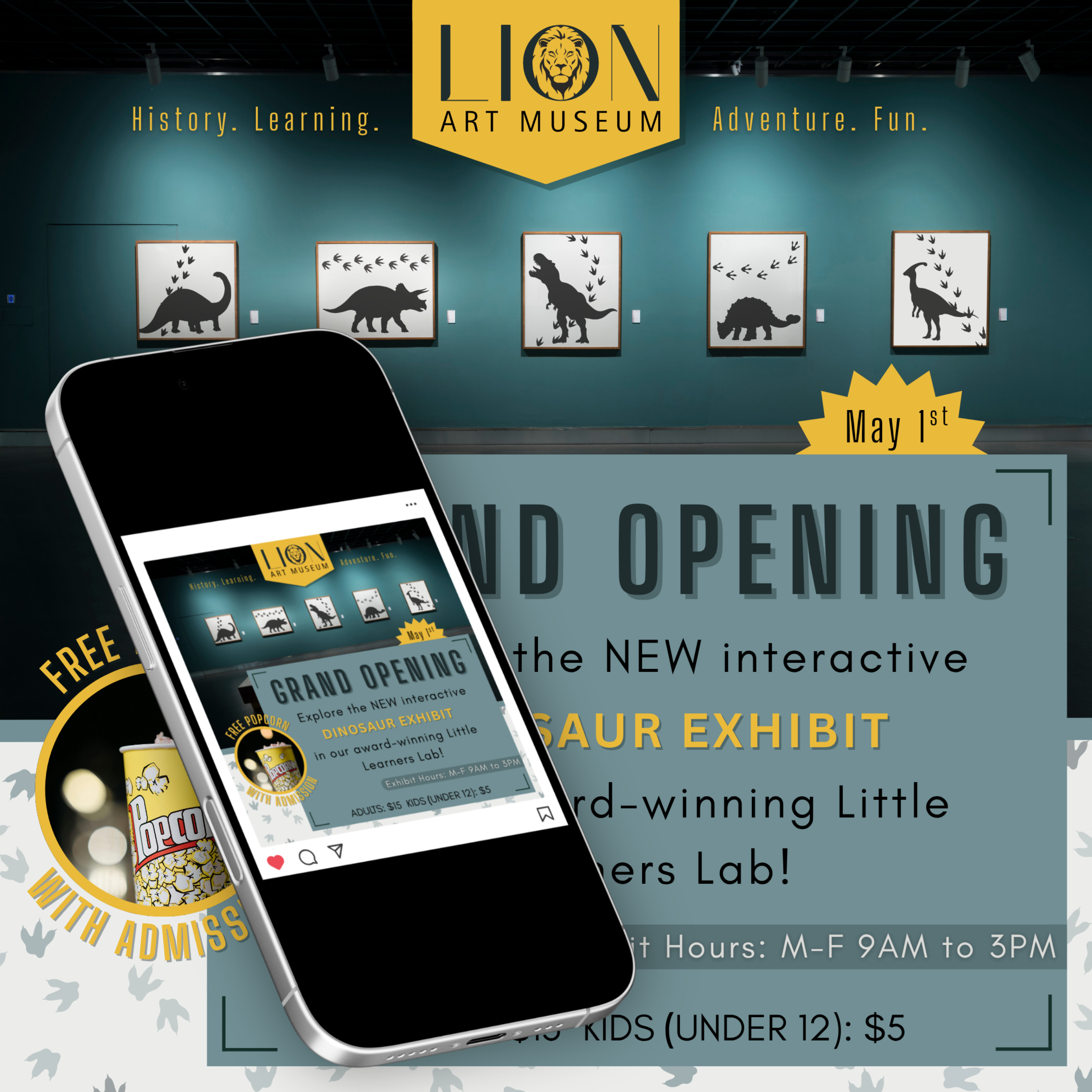
Instagram Ad for Mock Client
Project Highlights:
- Designed an Instagram ad for a mock client as part of a course assignment using Canva Visual Suite (Pro Version)
- Created without the use of pre-made Canva design templates
- Extensive use of Canva photo, graphic, text tools
- Basic use of Canva AI tools for image generation
- Adherence to basic graphic design principles for the selection of fonts/colors and the placement of visual elements

Use of Results Guide for College Advisors
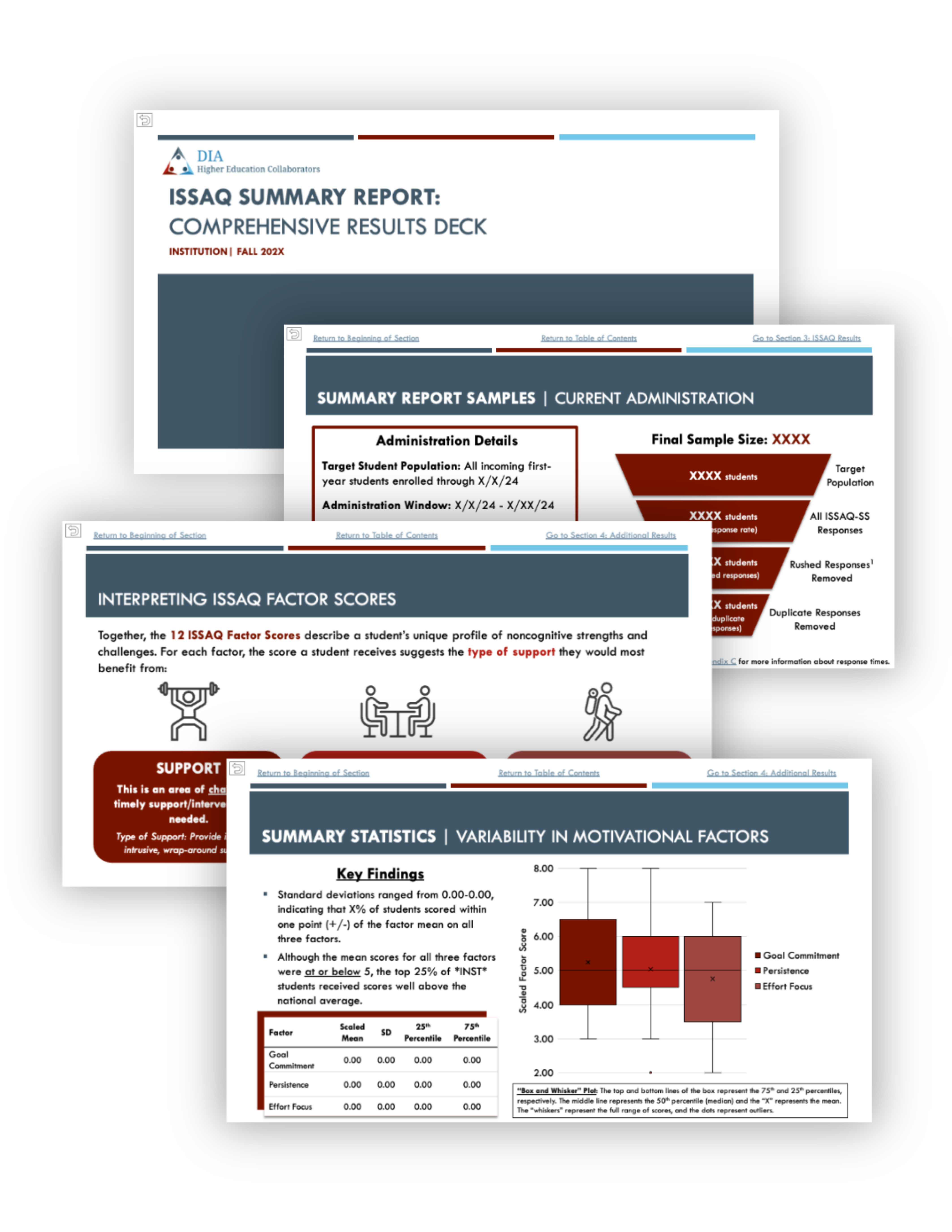
Data Report for College Directors
Project Highlights:
- Redesigned ISSAQ support resources to promote greater engagement with resources and use of results
- Resources designed to support skimming and quick referencing for busy educators through the use of clear headers, strategic color/font choices, succinct language, and (in the case of the data report) embedded navigation links
- Created using Canva Visual Suite (results guide) and Microsoft PowerPoint (data report)
- Designed in adherence with DIA brand/style guidelines
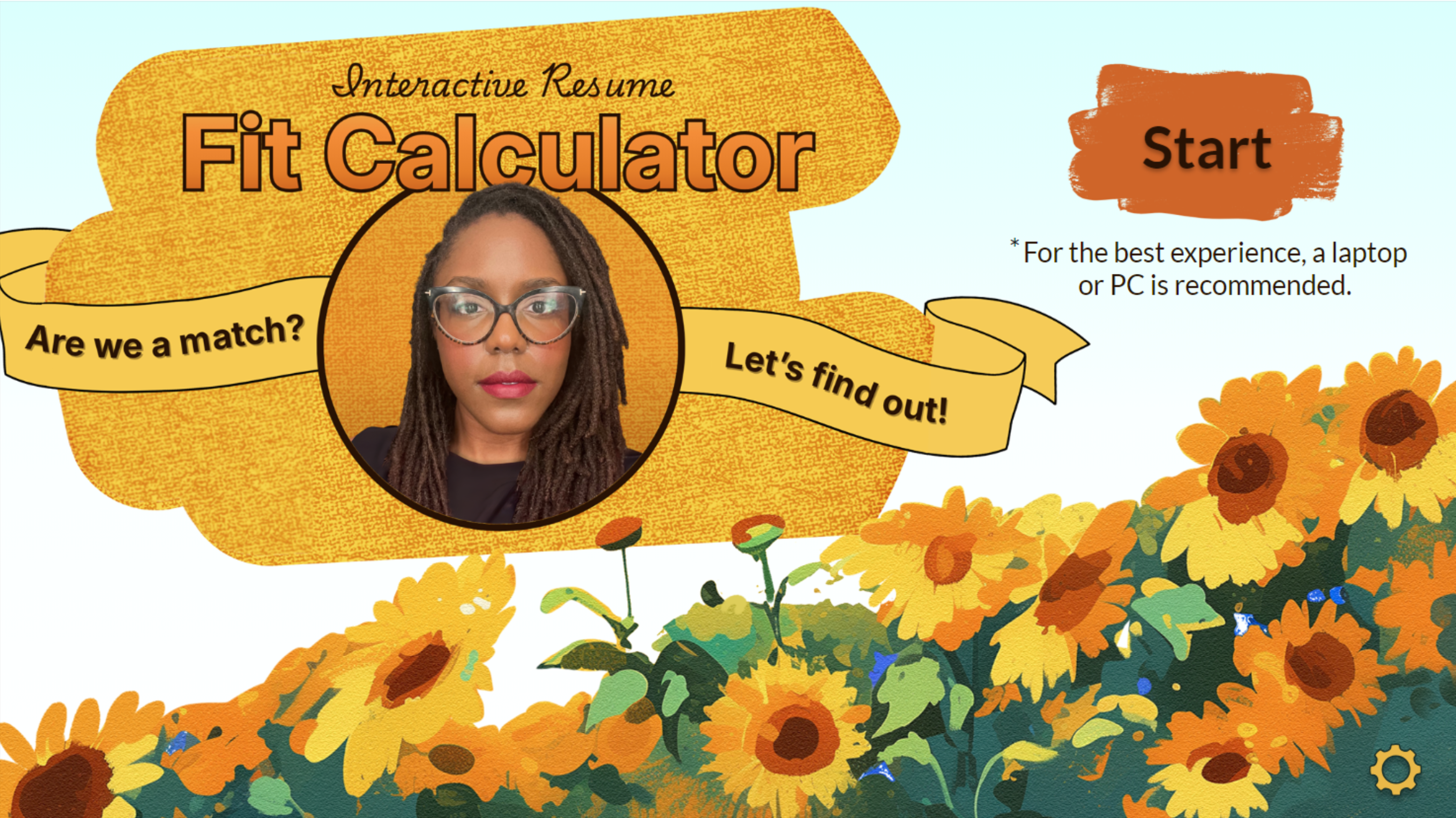
Fit Calculator Launch Page
Project Highlights:
- Designed Fit Calculator launch page using Canva Visual Suite (Pro Version)
- Created without the use of pre-made Canva design templates
- Extensive use of Canva photo, graphic, text, and layering/positioning tools
- Basic use of Canva AI tools for photo editing
- Colorful design and fun visual elements (e.g., mixed fonts, 3D effect) chosen to reflect the casual, game-like aesthetic of the Fit Calculator while also demonstrating more advanced Canva skills
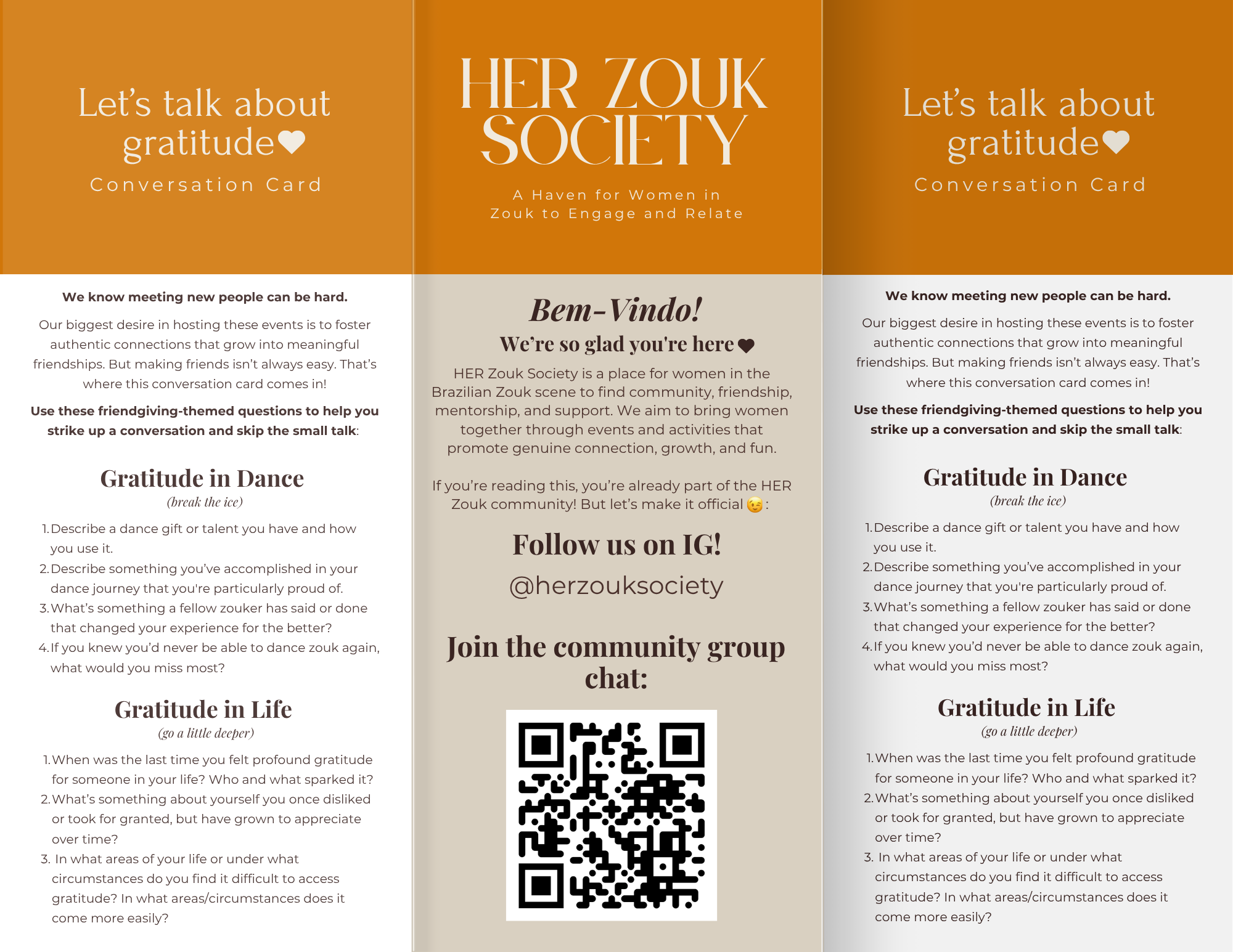
Table Tent for “Friendsgiving” Social Event
Project Highlights:
- Designed table tents for an in-person meet-and-greet event using Canva Visual Suite (Pro Version)
- Design inspiration drawn from pre-made Canva design templates (heavily revised)
- Extensive use of Canva layering, positioning, and text tools
- Simple design, soft colors, modern font, and casual language chosen to reflect the aesthetic of the event/organization—elevated and intentional yet warm and welcoming
 Andrea M. Pope